Start on desktop. Authenticate with your app. Continue in the browser with a workspace for your assets, collectibles and Web3 activity.
 A NEW WORLD
Install and open your app.
Authenticate and authorize web access.
Return to a verified session.
Access your assets and permitted actions.
A desktop sign-in flow and a browser workspace, organized around the information and approvals that matter.
A structured overview of your authorized accounts, network balances and asset details. Keep the account and network in view as you explore.
Explore the detailsBegin with the installed application. Authenticate and approve the web session before account information becomes available in the browser.
Explore the detailsDistinguish assets by their network and contract. Review the applicable fees and available actions in the connected workspace.
Explore the detailsBrowse collectibles separately from token balances, with collection details and ownership context in one organized view.
Explore the detailsUse the web workspace to review a request, then complete the required approval through desktop. Signing in is separate from authorizing a transaction.
Explore the detailsReturn from desktop to a verified browser session. Continue with the functions available to your account and its permissions.
Explore the detailsFrom Bitcoin and Ethereum to stablecoins, emerging ecosystems and Layer 2 networks. Explore the asset universe behind our multichain roadmap.
Planned coverage. Availability depends on verified integrations in the connected release.
More ecosystems. More possibilities.
The catalogue will expand as integrations are verified.

 69.99USDT
 199.99USDT
 69.99USDT
 69.99USDT
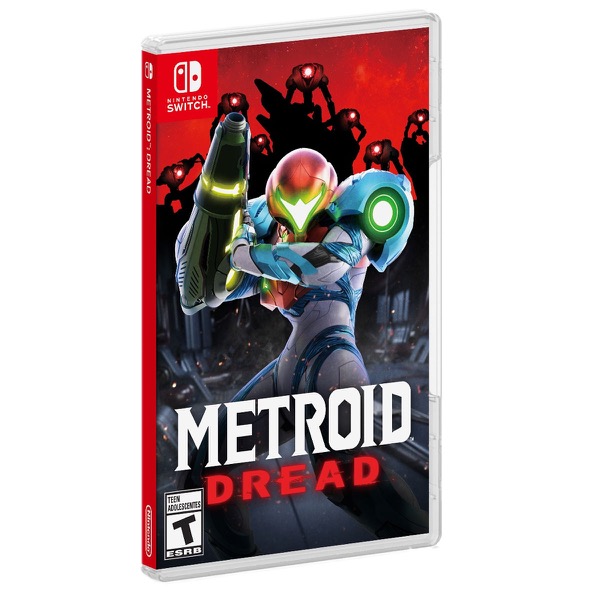 59.99USDT
 49.99USDT69.99USDT
 99.99USDT
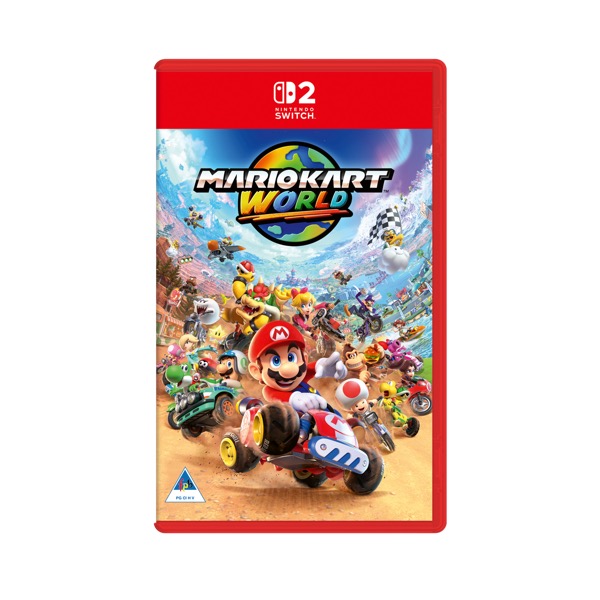 79.99USDT
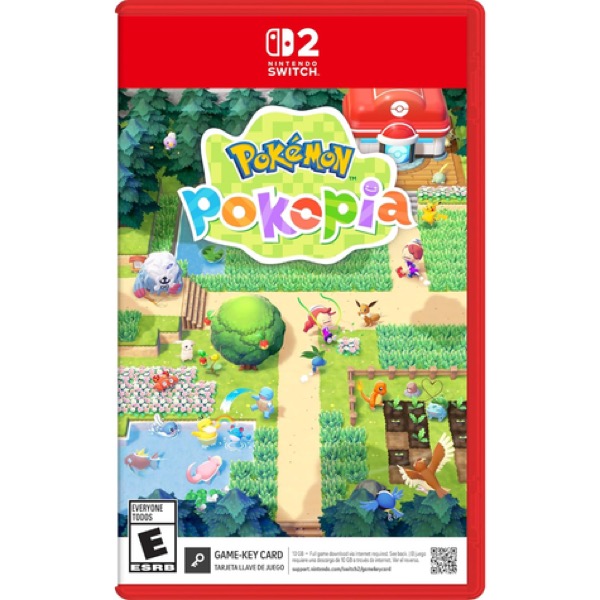 69.99USDT
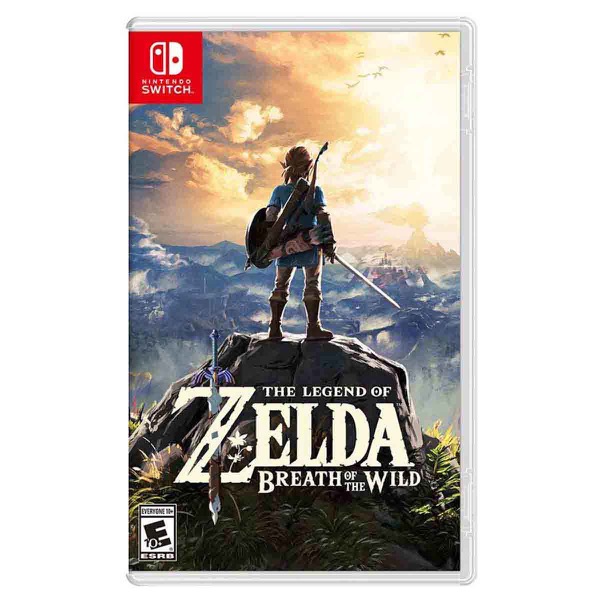 59.99USDT
 49.99USDT
 69.99USDT
 39.99USDT
Indicative prices based on US retail listings at 1 USDT ≈ 1 USD. Final price, availability and fees are confirmed at checkout.
Choose the package for your operating system and open the desktop application.
Sign in through the desktop flow and approve the requested web access.
The desktop flow returns you to the website, where the session must be verified.
Once verified, view the assets and functions permitted by your session.
After desktop authentication, your verified session determines what you can view and do. Assets, activity and approvals each have a clear place in the experience.
Explore wallet featuresReview the selected account, network and available balances.
Keep currencies and collectibles organized in dedicated views.
Follow account activity and inspect a request before approval.
Understand what your current web session is allowed to access.
Understand the connection, your permissions and the desktop release before you begin.
Follow installation, authentication and the return to your browser.
Understand the difference between a session and a transaction.
Review the package for your operating system.
Find guidance if your app or browser session is not ready.
The intended flow starts with the installed desktop app. You authenticate and approve web access, then return to the browser. A verified session is required before wallet data or authorized functions become available.
Desktop provides the authentication and approval step. The web workspace provides a convenient place to review assets, collectibles and activity for the connected account.
No. App availability, authentication and transaction approval are separate steps. Opening the app or returning to the website does not by itself establish an authenticated session.
The connected release and its integrations determine support. Check the available network, asset contract and permitted actions in the authenticated workspace; a familiar ticker alone is not enough.
No. Never enter recovery phrases or private keys here. Use the recovery process provided by your verified desktop release.
The website describes the product workflow. Desktop authentication, callback verification and live asset access still require the production integration. The current connection check cannot grant web access.
Install. Authenticate. Return to web.
A connected experience, with every step in view.


